Infected Before It Leaves the Box: How Midnight Mimosa Hides in Budget Android Phones, Step by Step
Bitdefender says malware called Midnight Mimosa is built into the firmware of some low-cost Android phones, where it runs ad fraud and can turn devices into residential proxies. Here is how it works.
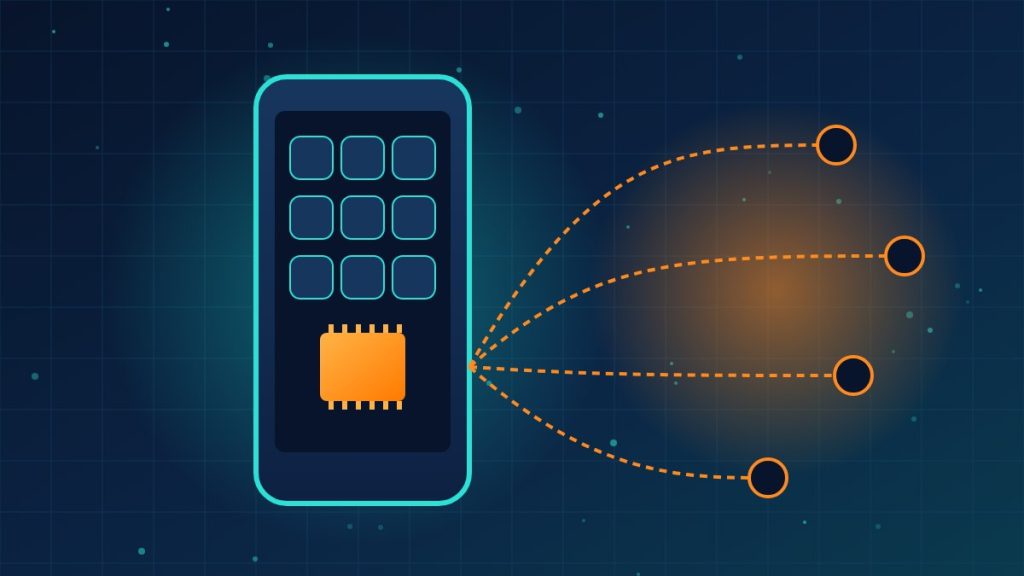
Most phone malware needs the owner to install something. Midnight Mimosa doesn’t. Researchers at Bitdefender found it already inside the firmware of some inexpensive Android phones, which means the device is compromised before the buyer turns it on.
Lawrence Abrams detailed Bitdefender’s research for BleepingComputer. Here is how the campaign works, in order.
Six steps from factory to fraud
- The firmware is tampered with somewhere in the supply chain. It is still unclear who modified it or at what stage. The affected phones use MediaTek chipsets and include models carrying legitimate brand names, such as the Doogee S200 X and Cubot KINGKONG X, plus knockoffs posing as Samsung and Apple devices.
- The malware poses as Android system components. It sits in the system partition under names like com.android.system.lite, com.android.sys.prot and com.android.sys.gmsprot. Because these packages are signed and run with system privileges, a normal uninstall can’t remove them.
- It pulls down more modules. The core framework fetches extra components from command-and-control servers. Bitdefender found about 32 apps delivered this way, dressed up as weather apps, file managers, app lockers, OCR scanners and audio editors.
- It sneaks past Play Protect. Before a silent install, the malware briefly disables the Google Play Store app so Play Protect won’t catch the installation, then turns it back on. Some variants also fake the installer record so the apps look like they came from Google Play.
- The cover apps run ad fraud. They load real ads through a legitimate ad toolkit, but in invisible windows, generating impressions and clicks the owner never sees.
- The phone can become a proxy. A fake app locker, com.mobile.applock.en, contains a TCP proxy that registers the device with a remote server and can be told to forward traffic. That would let attackers hide where their traffic comes from or reach devices on the same network. Bitdefender confirmed the proxy servers were live and accepting registrations, but its test device was never given relay targets, so active traffic forwarding is not confirmed.
Scale and loose ends
- Thousands of devices in more than 150 countries over roughly two years, with the most victims in Mexico, France, Italy, the United States, Germany, Brazil and Spain.
- On the XDA forums, Cubot and Doogee owners described apps that reinstalled themselves after removal. One Doogee Fire 3 Max owner said an official firmware update brought the infection, which went away after rolling back and returned with the update.
- Some users said later firmware updates fixed the problem, but the manufacturers haven’t publicly explained how the malware got in.
- Bitdefender also found 13 Google Play apps with the same ad-fraud code talking to Midnight Mimosa infrastructure. They lack system privileges but can still show ads outside their own screens.
- Some firmware was signed with certificates tied to Chinese manufacturer Shenzhen Zediel. Bitdefender says it is unclear whether the company was involved.
- Cleanup requires a firmware-level fix or disabling the component with Android Debug Bridge, which is beyond most users.
What this means for your company
A cheap phone handed to a field worker, or a bargain device someone brings from home, can arrive with system-level malware you can’t simply delete. If it joins your Wi-Fi, it may become a relay point inside your network.
- Buy business phones from mainstream manufacturers and authorized resellers, and prefer models with a published security update schedule.
- Enroll company phones in mobile device management and set a minimum standard for personal devices that touch company email or data.
- Keep unmanaged phones off the main network. A separate guest Wi-Fi limits what a proxied device can reach.
- Treat self-reinstalling apps as a red flag. Retire the device rather than trying to clean it.
Need help setting device standards or segmenting your network so a bad phone can’t reach what matters? Reach out to Layer 7 Data Solutions to discuss how we’ve helped companies similar to yours.
About The Author