From a Cloud Flaw to Root Shells on Routers and Remote KVMs: A Timeline of the GL.iNet GoodCloud Attacks and the New Security Firmware
Attackers abused a flaw in GL.iNet’s GoodCloud remote management service to plant malware on some of the company’s routers and KVM devices. The cloud hole is closed and security firmware is out, but already-infected devices need attention. Here is the sequence of events and what owners should do.
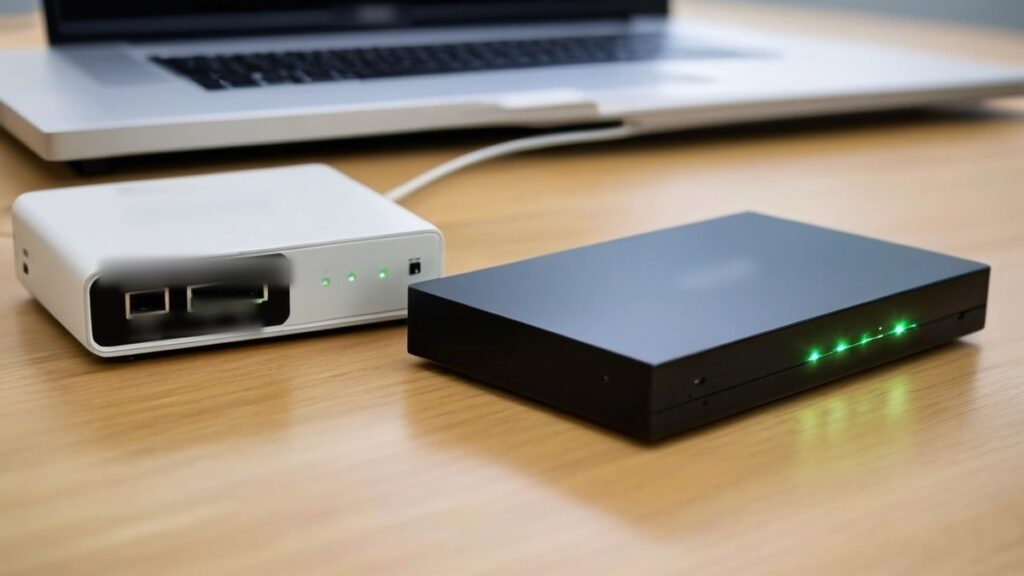
GL.iNet makes compact travel and home routers, along with small KVM devices that let someone control a computer remotely as though they were sitting at its keyboard. Many of those devices can be managed through the company’s GoodCloud service, and that service is where last week’s attack began. This timeline draws on The Hacker News’ reporting on the incident, which cites GL.iNet’s notice and research by RemoteToHome Consulting, with additional details from BleepingComputer’s analysis of the malware.
Background
December 5, 2024. According to RemoteToHome, a handler in the GoodCloud client on the routers, belonging to the AstroWarp SD-WAN feature, takes two values from a cloud message and runs them as root through the shell without checking them. The firm says that code appeared in a GL-MT3000 firmware release on this date and runs whether or not AstroWarp is used. Its presence since 2024 does not mean attacks started then, and GL.iNet has not confirmed the finding.
September 2025 to May 2026. On 49 of the routers it manages, RemoteToHome found an older, unrelated backdoor installed in batches by an unknown route. Nothing so far ties it to the November attacks. BleepingComputer separately notes that some malicious files recovered from GL.iNet devices carry timestamps from December 2025, though it is unclear whether those infections are connected.
The attack week
Thursday, November 19. The owner of a GL-RM1 KVM later reported that the device began downloading a script and two programs from 66.245.219[.]252, looked up the copycat domain gl-inet[.]top, scanned the local network and kept connecting to 65.20.71[.]131, which the owner suspects was a command channel.
Friday, November 20. GL.iNet published a security advisory confirming that an unauthorized party had exploited a vulnerability in its cloud remote management service to reach devices and install malicious software. The company says it fixed the cloud flaw and blocked the access used, so devices can no longer be newly infected this way. It stressed that those steps do not remove malware already on a device. That evening, RemoteToHome verified a root-level reverse shell on one of its GL-AXT1800 routers connecting to 170.39.226[.]219; two other owners reported the same shell on the same model and firmware (4.8.3) with GoodCloud enabled.
Late last week. After the researchers filed an abuse report, the hosting provider said it had suspended the server behind that address and preserved its data.
Sunday, November 22. BleepingComputer published its analysis of a malicious installer script recovered from affected devices. It found code written specifically for GL.iNet models, persistence through startup scripts and scheduled tasks, the ability to add SSH keys, and a doctored netstat command that hides connections to the attacker’s server. The outlet also reported that stable firmware updates with additional security fixes for routers and KVM devices were scheduled for release that day.
Monday, November 23. GL.iNet updated its notice with stable security firmware for its router and KVM lines and now says the update removes the malware identified in this incident without a factory reset, keeping settings. The Hacker News confirmed GL-MT3000 and GL-RM1 builds were available on the vendor’s download pages.
What is still unclear
- GL.iNet has not said how many devices were infected, when the attacks began, or exactly how GoodCloud was breached.
- It is still investigating whether computers attached to infected KVM devices were compromised.
- The firmware is not shown to clean up everything a root-level attacker could leave behind. In RemoteToHome’s testing of an earlier KVM security build, upgrading with settings kept carried over the password file, SSH keys and a user directory containing scripts that run at every boot; whether a planted script survives has not been tested.
- The vendor’s published check looks for a single marker, a running process containing the text “crond -i /tmp/.log”, and that marker was absent on the router with the verified shell.
Checklist for GL.iNet owners
- Before rebooting or upgrading a device you suspect, check it first: the reverse shell leaves no files and its traces vanish on restart.
- Before running netstat on a suspect device, confirm that /bin/netstat still links to busybox, because a swapped copy can launch the malware.
- Install the security firmware for your exact model, and never firmware meant for another model. A model missing from GL.iNet’s table is not necessarily safe.
- If you suspect compromise, preserve evidence, avoid restoring old configuration backups, and rotate passwords and keys that may have been exposed.
- Examine any computer connected to an affected KVM for unfamiliar programs, accounts, startup items and unusual network traffic.
- Consider turning off cloud management on devices that do not need it.
What this means for your company
Small routers and remote KVMs often slip into a business informally: a travel router in a laptop bag, a KVM someone set up so they could reach the office PC from home. Because they sit at the network edge or directly on a computer, a compromise gives an attacker an unusually privileged position, and most security tools never look at them. Keep an inventory of every network and remote-access device, including the small ones, decide which cloud management features you truly need, and include these devices in your update routine. Put remote-access hardware on a separate network segment where possible, watch outbound traffic for unexpected connections, and treat any device managed through a vendor’s cloud as only as safe as that vendor’s service.
If you are not sure what small network and remote-access devices are plugged in across your offices and home workers, we can help you find them, lock them down and keep them updated. Reach out to Layer 7 Data Solutions to discuss how we’ve helped companies similar to yours.
About The Author