Two Rare Letters Let Fake Web Addresses Pass as Real in Chrome and Edge: The Briefing
Researchers found that two uncommon letters slip past the lookalike-domain checks in Chromium-based browsers, so fake addresses for brands like Apple and Okta can display as if genuine.
Most people check a link by looking at the address bar. New research shows that in Chrome, Edge and other Chromium-based browsers, that glance can be fooled by two letters most English speakers have never seen.
The bottom line
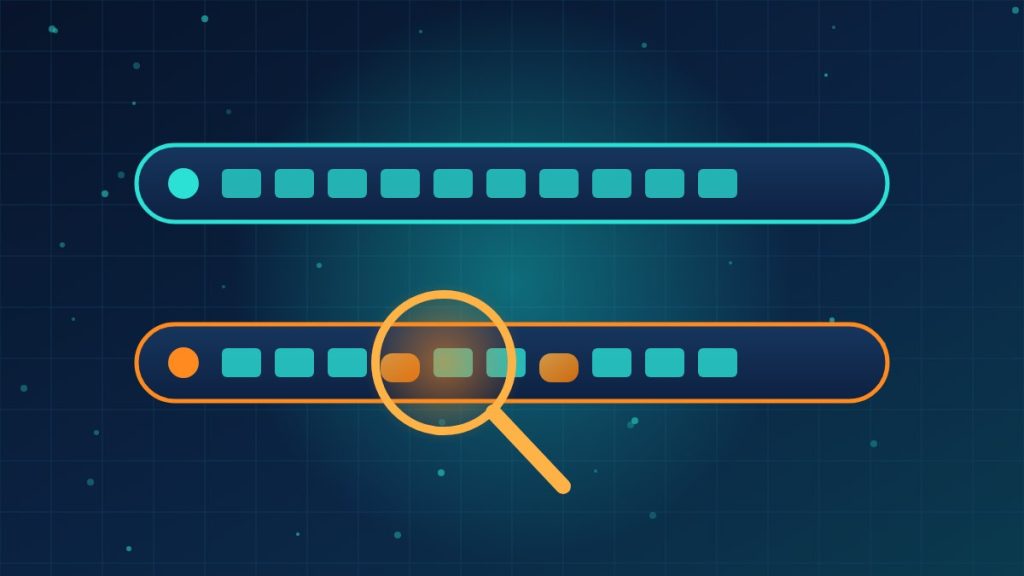
Ian Muscat and Leanne Briffa of Have I Been Squatted found that the Cyrillic barred o (ө), used in languages such as Kazakh, Mongolian and Tatar, and the Latin k with hook (ƙ), used in Hausa and Karai-karai, get past the checks Chromium uses to catch lookalike domains. They registered 20 test domains that imitate names such as Apple, SpaceX, Okta and Nike. The browser shows them in their convincing Unicode form instead of the telltale Punycode (strings that begin with “xn--”). The researchers own these domains and use them for demo pages.
Connor Jones detailed the research for The Register, and this briefing draws on that report.
Why the browser’s defenses miss them
Layer one: the character test
Chromium runs seven checks before it agrees to show a domain in Unicode. One of them compares the characters against a fixed list of Cyrillic letters known to mimic Latin ones, but it only acts when every character is on that list. Add a single letter that isn’t, a so-called “breaker” such as ө, and the check passes. As of Chrome 154, released to the stable channel on September 22, ө was still missing from the list.
Layer two: the top-sites comparison
Chromium also reduces a domain to a simplified “skeleton,” stripping accents, and compares it with roughly 8,500 popular sites. Neither of these two letters is treated as an accented version of a normal letter. Each keeps an extra mark in its skeleton, so the fake never matches the real site.
Layer three: Safety Tips
Chromium can also warn users while they navigate when a domain is a near match for a well-known site or one they visit often. Those warnings only cover an exact match, a single edit or one pair of swapped letters. They don’t apply to names shorter than five characters, and they help less if the user has little browsing history. A four-letter name like Okta may slip past them.
Email is weaker still
When the researchers sent the 20 domains to email services, Gmail displayed all of them in Unicode, lookalikes included. Outlook on the web showed all 20 as Punycode, even the harmless ones. Neither approach tells users which addresses are actually suspicious.
How big is the pool?
Out of about 167 million .com domains, around 733,000 are internationalized names. Swapping their non-ASCII characters for plain look-alikes produced roughly 162,000 pairs that resemble ordinary domains. That doesn’t mean 162,000 scam sites exist. Some are defensive registrations or legitimate sites in other languages.
What this means for your company
If a fake login page can look right in the address bar, “check the URL” can’t be your only defense against phishing. The fix is to make the address bar matter less.
- Use a password manager. It fills credentials based on the real domain, so it won’t offer your password on a lookalike, and that pause is a useful warning.
- Move key accounts to phishing-resistant sign-in such as passkeys or hardware security keys, which are tied to the genuine site.
- Bookmark the sites that matter (banking, payroll, your identity provider) and teach staff to use the bookmark instead of links in email.
- Monitor lookalikes of your own domain so you hear about impersonation of your brand before your customers do.
- Keep browsers updated on every device. Chromium has closed earlier tricks like this in past releases.
Need help rolling out phishing-resistant sign-in or monitoring for lookalikes of your company’s domain? Reach out to Layer 7 Data Solutions to discuss how we’ve helped companies similar to yours.
About The Author