From Form Submission to Hidden Admin: How the Ninja Forms Attack Works, Step by Step
Attackers are abusing stored XSS flaws in Ninja Forms and WPC Product Bundles for WooCommerce to plant backdoors and invisible administrator accounts. Here is the attack chain and how to respond.
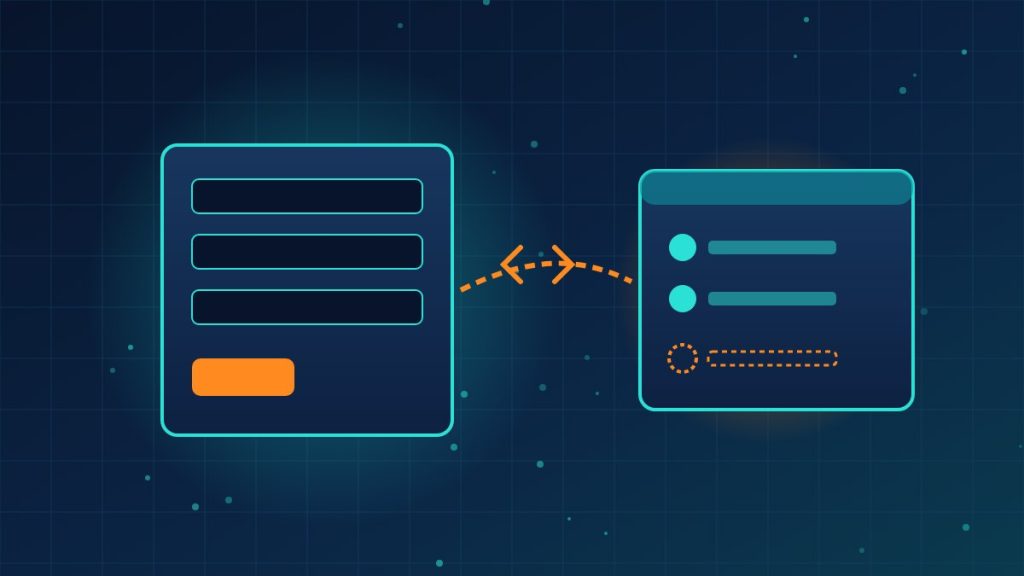
Two unrelated WordPress plugins are being exploited in the same campaign: Ninja Forms, found on more than 500,000 sites, and WPC Product Bundles for WooCommerce, active on more than 30,000. WordPress security firm Patchstack spotted the activity against WPC Product Bundles on October 4 and against Ninja Forms a day later. Both flaws are rated high severity. Here is how the attack plays out.
The attack in six steps
- Plant the script. The attacker slips malicious JavaScript (a file called x.js, served from imgcdn1[.]com) into Ninja Forms submissions or WooCommerce order data. The flaws are stored cross-site scripting bugs: CVE-2026-94504 in Ninja Forms 3.15.3 and older, and CVE-2026-93836 in WPC Product Bundles 8.6.6 and older.
- Wait for an administrator. Nothing happens until a logged-in admin opens the poisoned submission or order. The script then runs inside that admin’s authenticated session.
- Borrow the admin’s powers. The script collects the administrative nonces it needs and uses normal WordPress functions to install a fake plugin called “WP Smart Thumbnails” version 1.2.4, attributed to “MediaPress Labs,” and to create a new administrator.
- Open four doors. Patchstack found four ways back in: a visible admin account; a second admin hidden from the Users screen, the Administrator filter and the user counts; a secret login URL that signs in as the site’s oldest administrator; and a file manager anyone can reach by requesting the malicious plugin’s main PHP file. The file manager can’t run commands, but it can upload more payloads.
- Survive cleanup. Deleting WP Smart Thumbnails isn’t enough. Separate helper plugins with backdated timestamps keep the hidden account and secret login URL working.
- Patch, then investigate. Patchstack says exploitation is limited so far. Update to Ninja Forms 3.15.4 or later and WPC Product Bundles for WooCommerce 8.6.7 or later. An update blocks new attacks but does not remove an existing infection.
Bill Toulas at BleepingComputer covered Patchstack’s findings on both plugins.
What this means for your company
- Check your plugin list today. If your website takes form submissions or runs a WooCommerce store, find out whether either plugin is installed and what version it is.
- Don’t trust the Users screen alone. Because one backdoor account is hidden from the dashboard, a proper check means looking at the database or using a trusted security scanner, and reviewing installed plugins, including inactive ones with odd dates.
- Limit admin browsing. Have administrators review form entries and orders from a lower-privilege account where possible, so a booby-trapped entry can’t act with full rights.
- If in doubt, clean properly. Rotate admin passwords, remove unknown accounts and plugins, and restore from a known-good backup if you find signs of compromise.
Need help auditing your WordPress site for hidden admins and malicious plugins? Reach out to Layer 7 Data Solutions to discuss how we’ve helped companies similar to yours.
About The Author